About this app
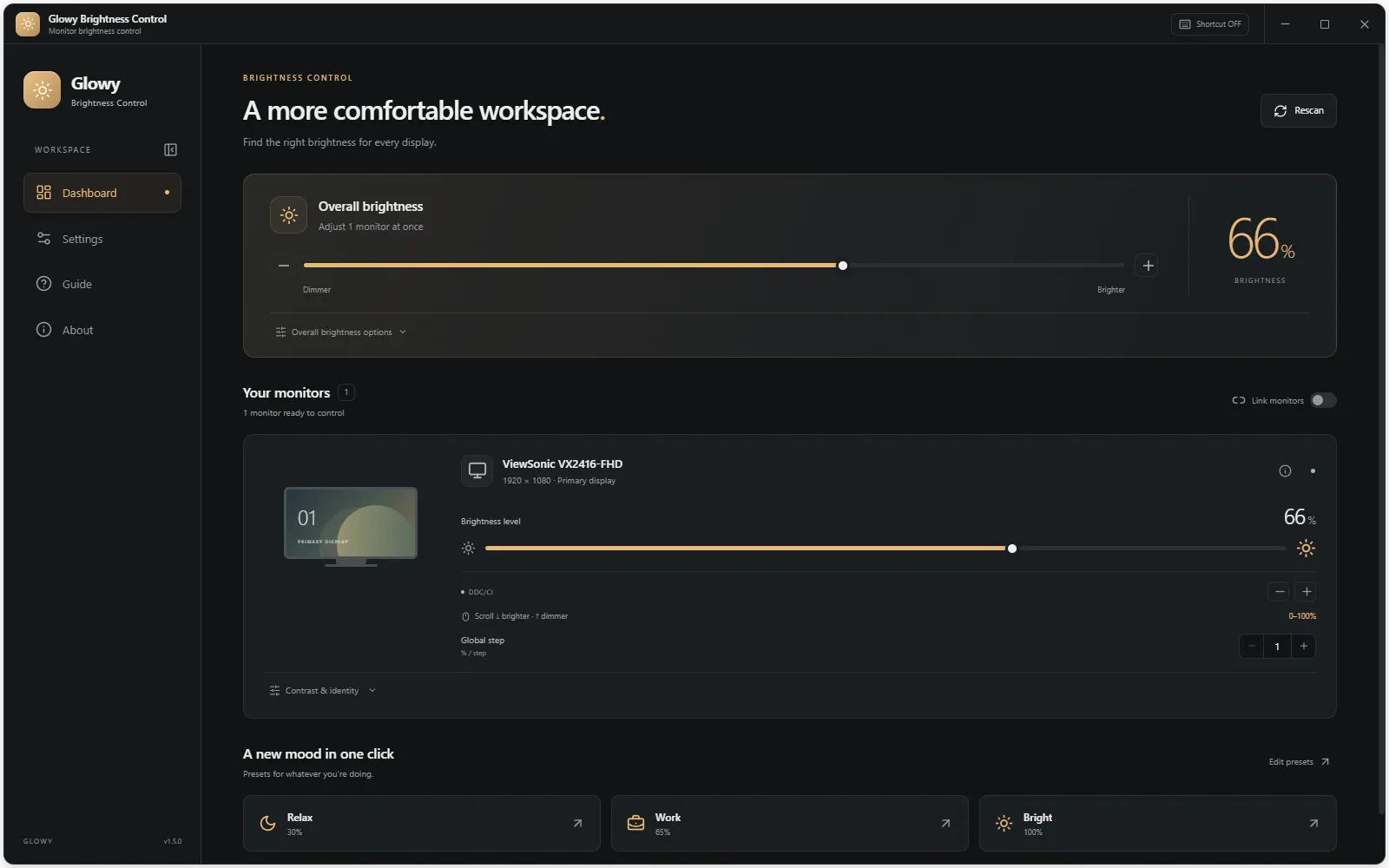
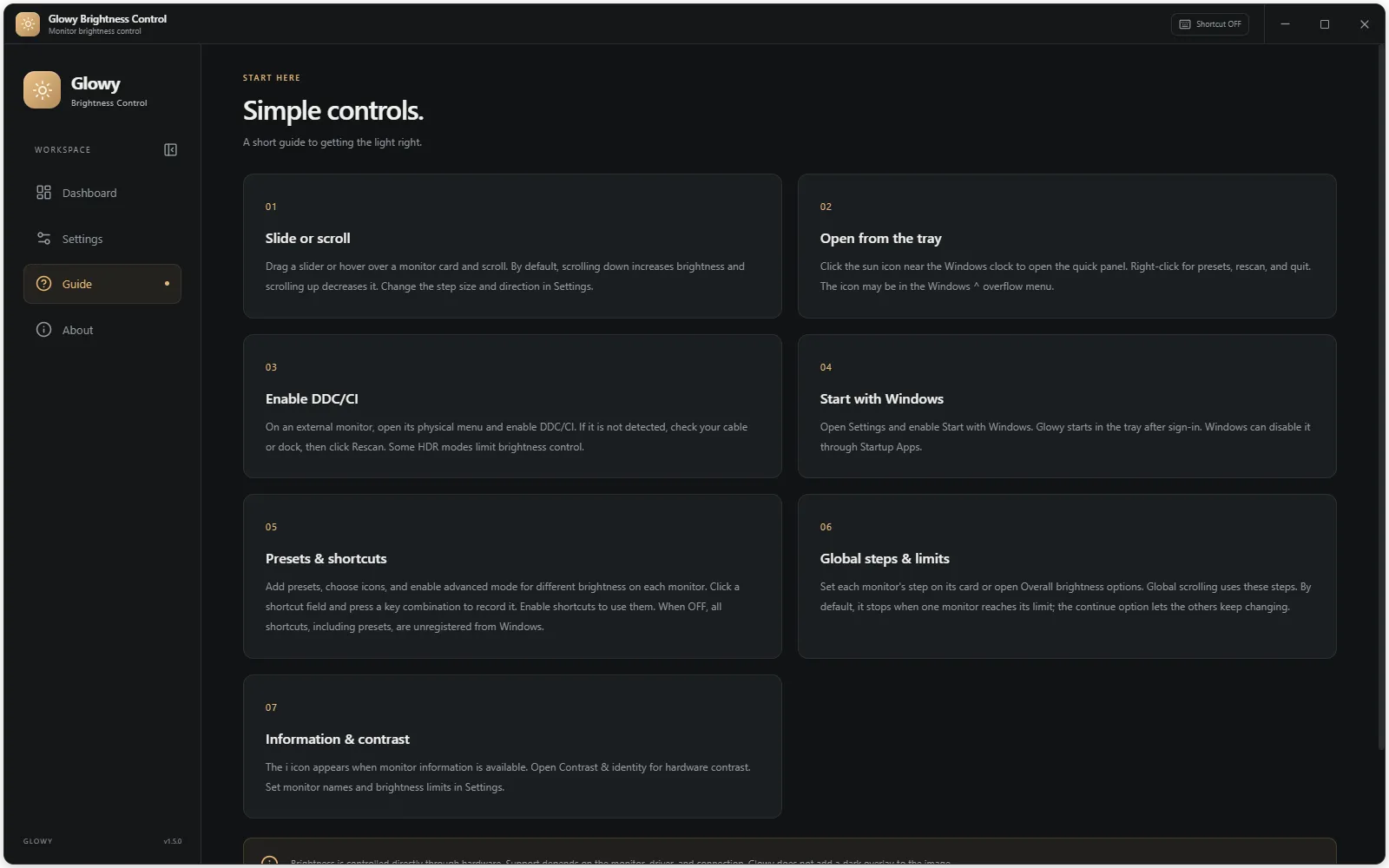
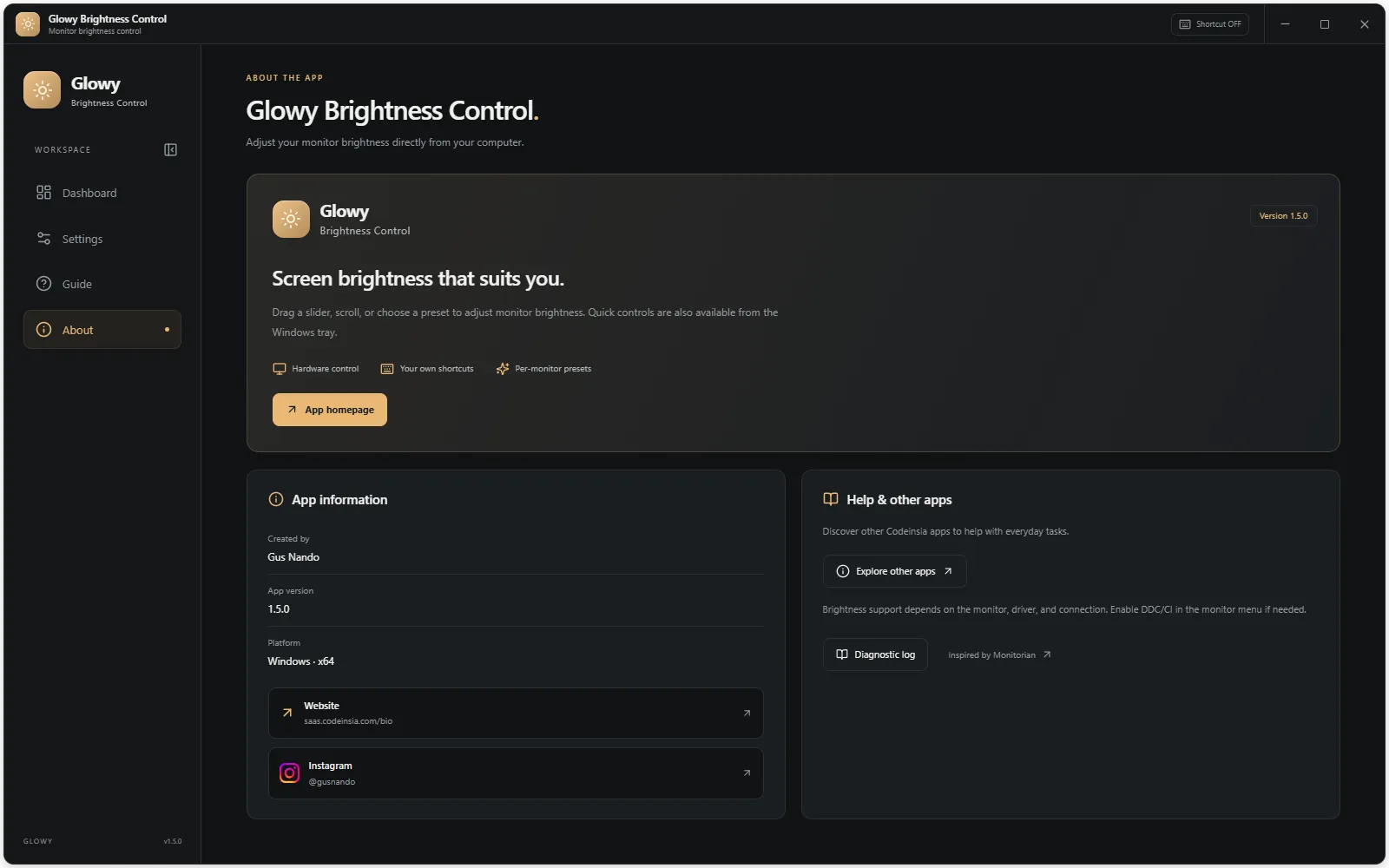
Change your monitor's real hardware brightness from a dashboard, the system tray, your mouse wheel, presets or keyboard shortcuts. No more pressing the monitor's physical buttons, and no dark overlay.
Features
- Per-monitor or overall brightness control
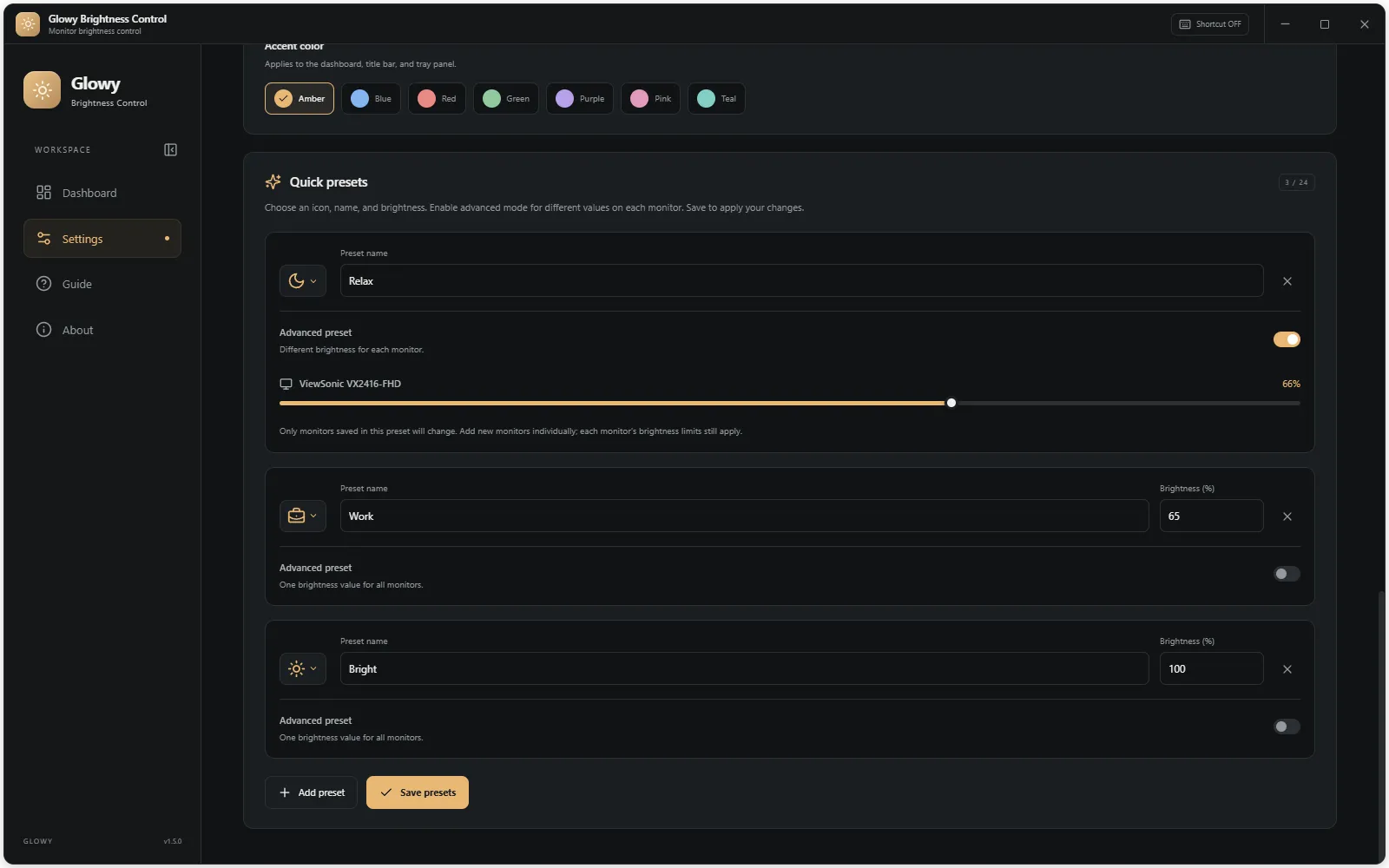
- Up to 24 presets with different values per monitor
- Quick panel from the tray icon near the clock
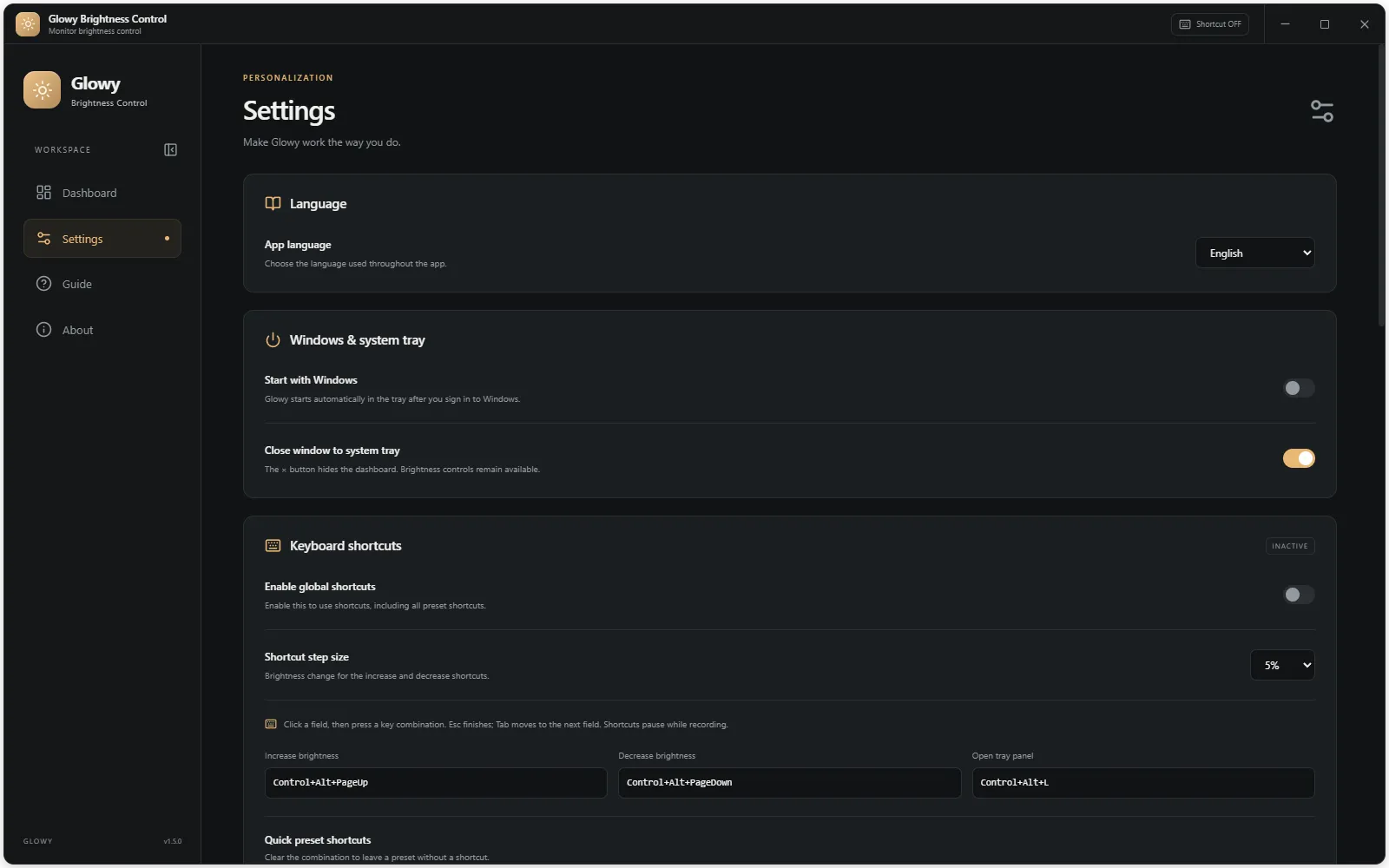
- Mouse wheel and keyboard shortcuts
- Hardware contrast control on supported monitors
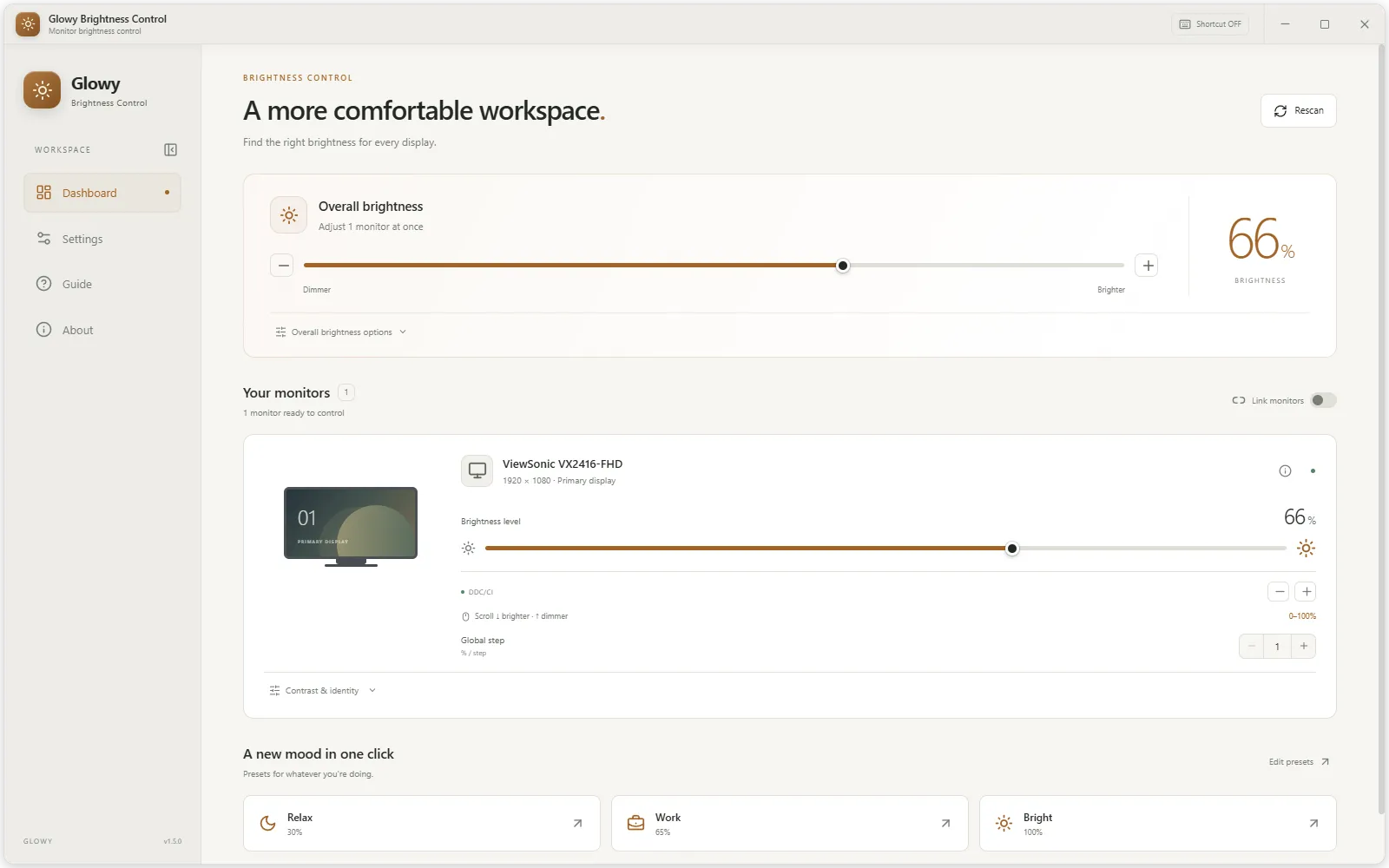
- Light and dark themes with accent colors
Pricing
Free. No ads, no in-app purchases, no account required.
FAQ
My monitor is not detected. Why?
Enable DDC/CI in the monitor’s own menu. Compatibility also depends on the GPU driver, cable, dock and HDR mode. Unsupported monitors show an explanation in the app.
Does it work offline?
Yes. Brightness control works locally without an account or internet connection.